Services / Design
Interfaces your users understand the first time
Most product problems that show up as support tickets, low sign-ups or a long sales demo started as design problems. Screens were built straight from a feature list, nobody watched a real user try them, and every new feature added another button. Fixing that after development is slow and expensive.
- Reply within one working day
- Fixed quote before work starts
- Team based in Kharadi, Pune
Why it matters
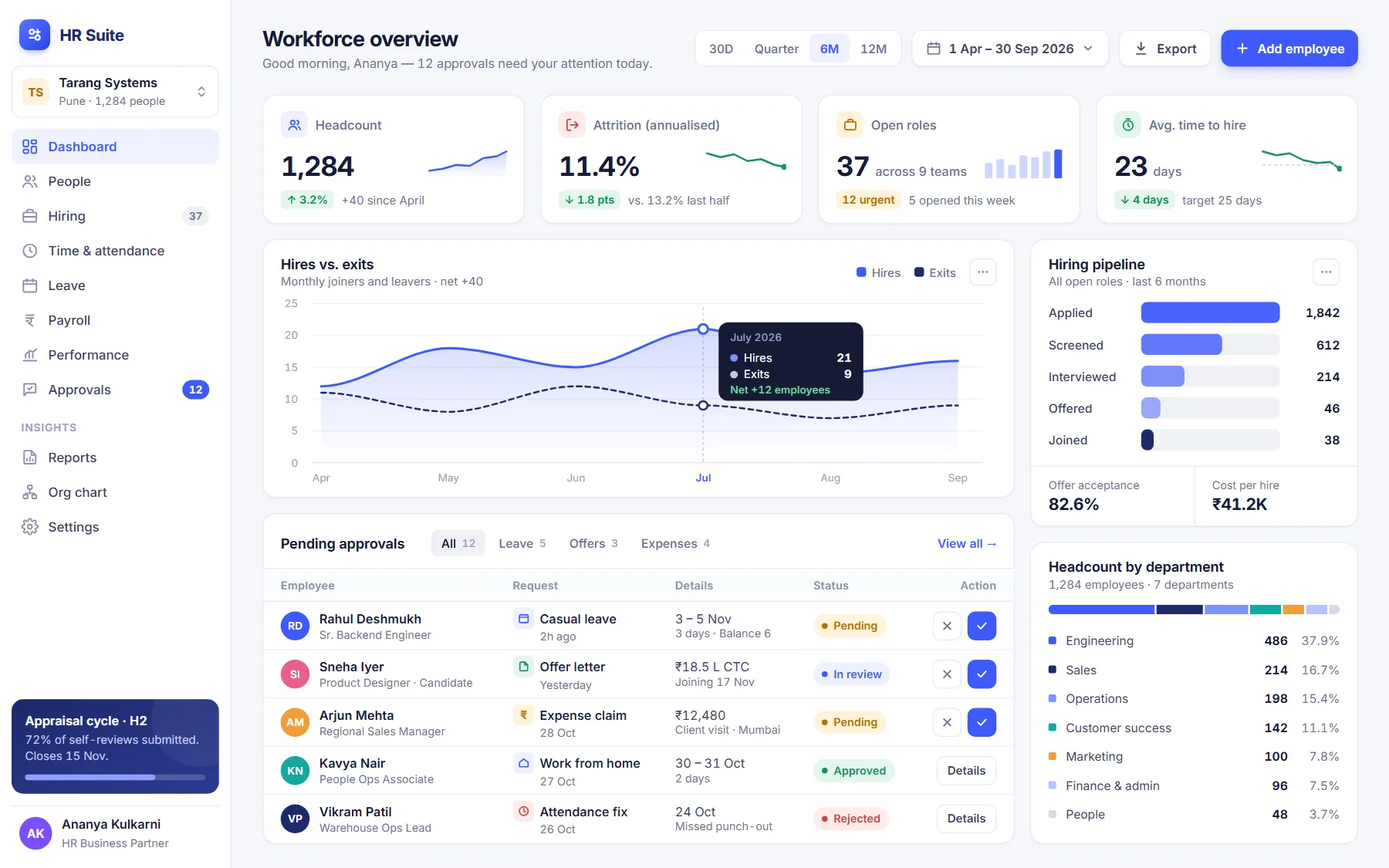
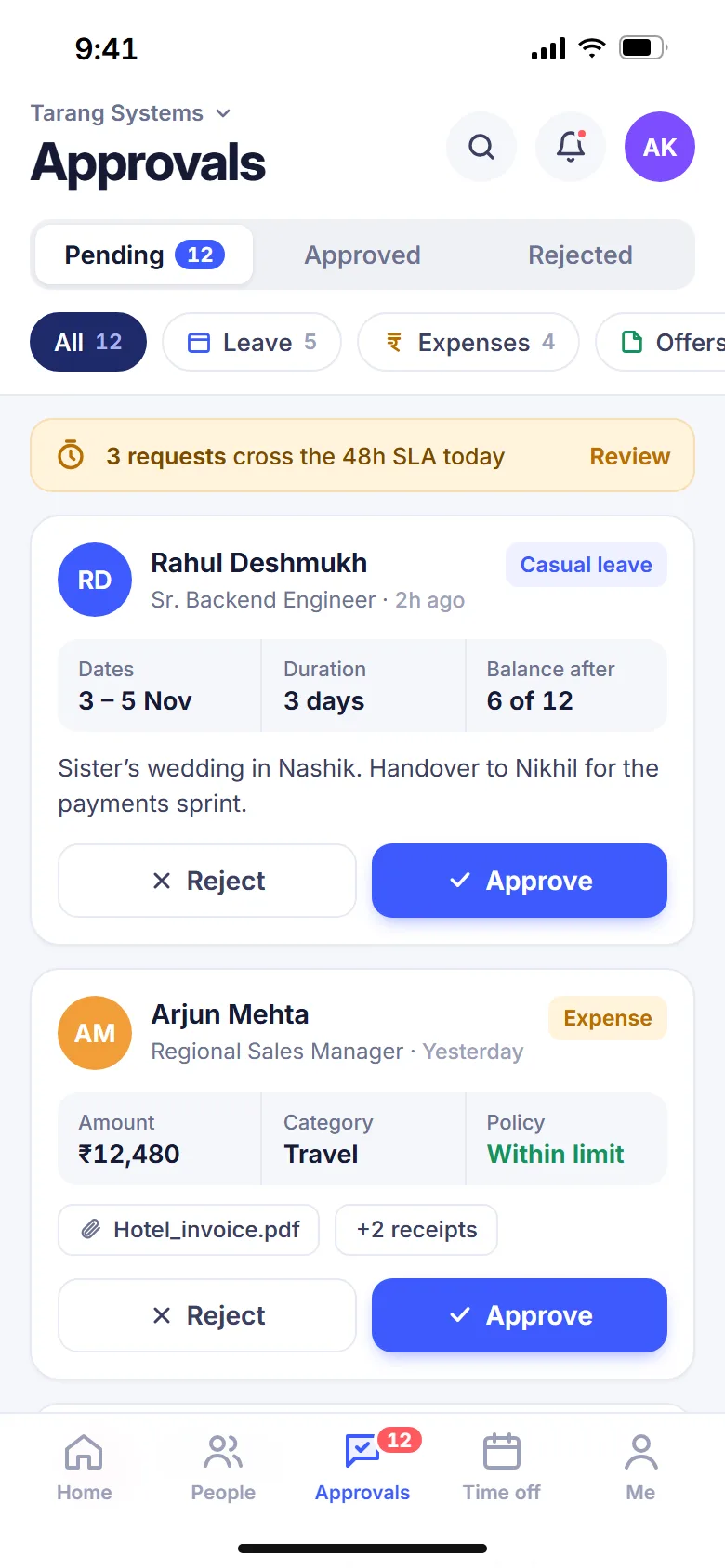
We design the product before it is built. We talk to your users, map the tasks that matter, sketch flows, and test clickable Figma prototypes with real people. What reaches your developers is a set of screens and components that have already been questioned, tested and documented, so the build goes faster and needs fewer rewrites.
What you get
User research
Interviews with customers and internal users, a review of analytics and support tickets, and a short report on the jobs people are trying to get done and where they struggle.
User flows and wireframes
Task flows for the key journeys, from sign-up to the core action, then low-fidelity wireframes that let us agree structure before spending time on visual detail.
Clickable Figma prototypes
High-fidelity screens for mobile and desktop, linked into prototypes realistic enough to put in front of users, investors or your sales team for feedback.
Usability testing
Moderated or unmoderated tests with five to eight representative users per round, with findings ranked by severity and fixes made before handover.
Design system and handoff
A component library with colours, type, spacing, states and accessibility notes, plus annotated screens your developers can build from without guesswork.
How we work
Understand
We interview users and stakeholders, review your product and data, and agree the problems worth solving first.
Sketch
We map flows and wireframe the key screens, reviewing structure with you before any visual design.
Prototype and test
We design high-fidelity screens, build clickable prototypes and test them with real users, then refine.
Hand over
We deliver the design system and annotated screens, and stay available to your developers during the build.
What we aim for
- Core tasks completed unaided by most test users
- Every screen covered by a documented, reusable component
- WCAG 2.2 AA colour contrast and touch target sizes throughout
- Fewer design questions from developers during the build
Tools we use
Questions people ask
Something else on your mind? Ask us directly.
Do we need user research if we already know our customers?
You probably know a lot, and we will use it. Research is usually short: a handful of interviews and a look at your data. It often confirms what you know and surfaces two or three surprises that would have been expensive to discover after launch.
Can you redesign an existing product without starting over?
Yes, and that is often the better route. We audit the current product, fix the highest-impact flows first and introduce a design system gradually, so your team can ship improvements release by release rather than waiting months for a complete redesign.
Will the designs work with our existing developers?
Yes. We hand over Figma files with components, variants, spacing tokens and annotations that any competent front-end team can build from. We also join a handoff session and answer questions during the build, whether your developers are in-house or with us.
Tell us about your UI/UX design project
A few questions, two minutes. We reply within one working day with questions or a written quote.